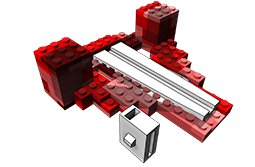
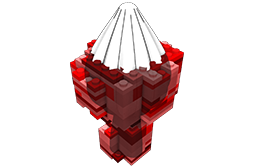
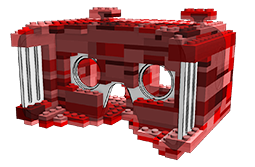
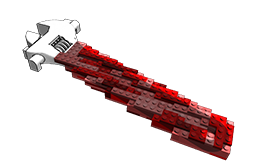
Download stl for 3d printer
Use our wizard to calibrate our software for your 3D-printer:
If you already know your settings, choose them here:
Every 3D-printer is different and produces slightly different 3D-printed objects.
To ensure a good fit between the 3D-printed parts and your LEGO-bricks,
we calibrate our software for your printer.
For the calibration, download the test strip and print it.
Try to connect the test strip studs into a LEGO-brick. Which size fits best?
This size fits best:
Now connect the LEGO-brick studs into the test strip. Which size fits best?
This size fits best:
You're all set! If you don't change your 3D-printer's settings, you can re-use
the calibration settings for further prints.
Your calibration settings:
A 4
Download stl for 3D printer
Download instructions
Download LEGO instructions and scad file